MonitorKit - Uptime Monitor & Status Pages: SaaS or Single (Laravel)
$39 · one-time payment · full source code · Live demo · Buy on Codester
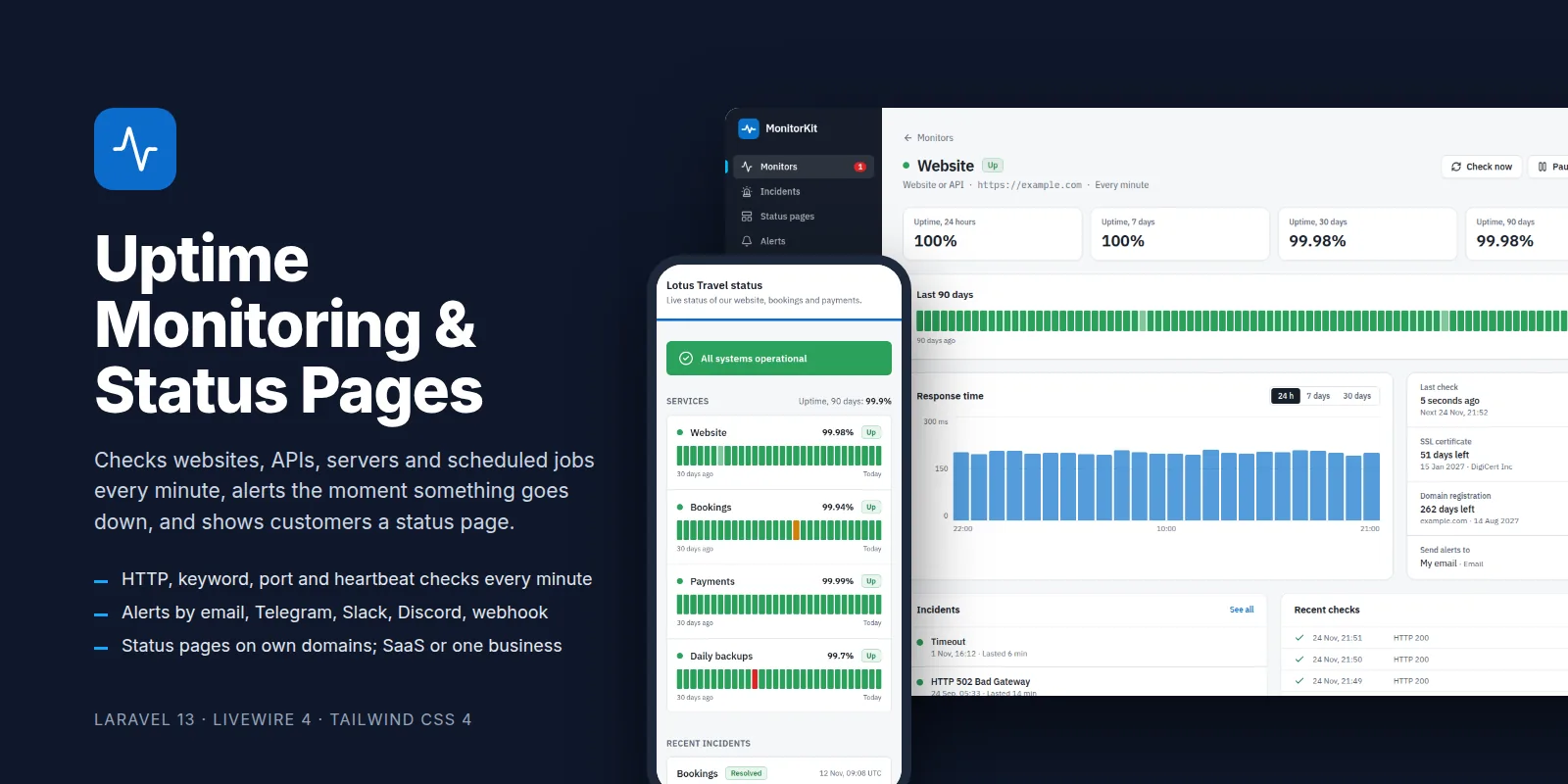
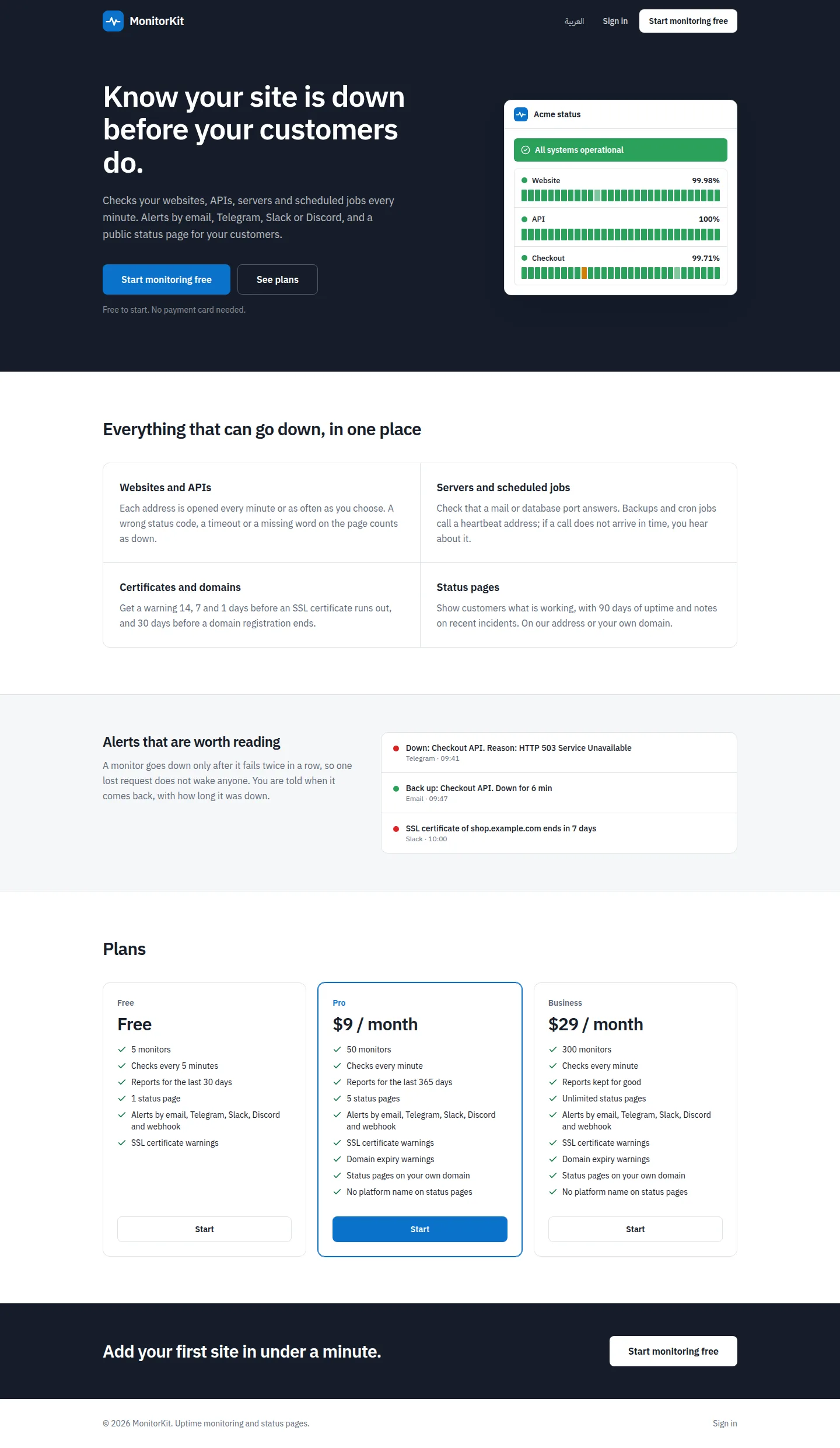
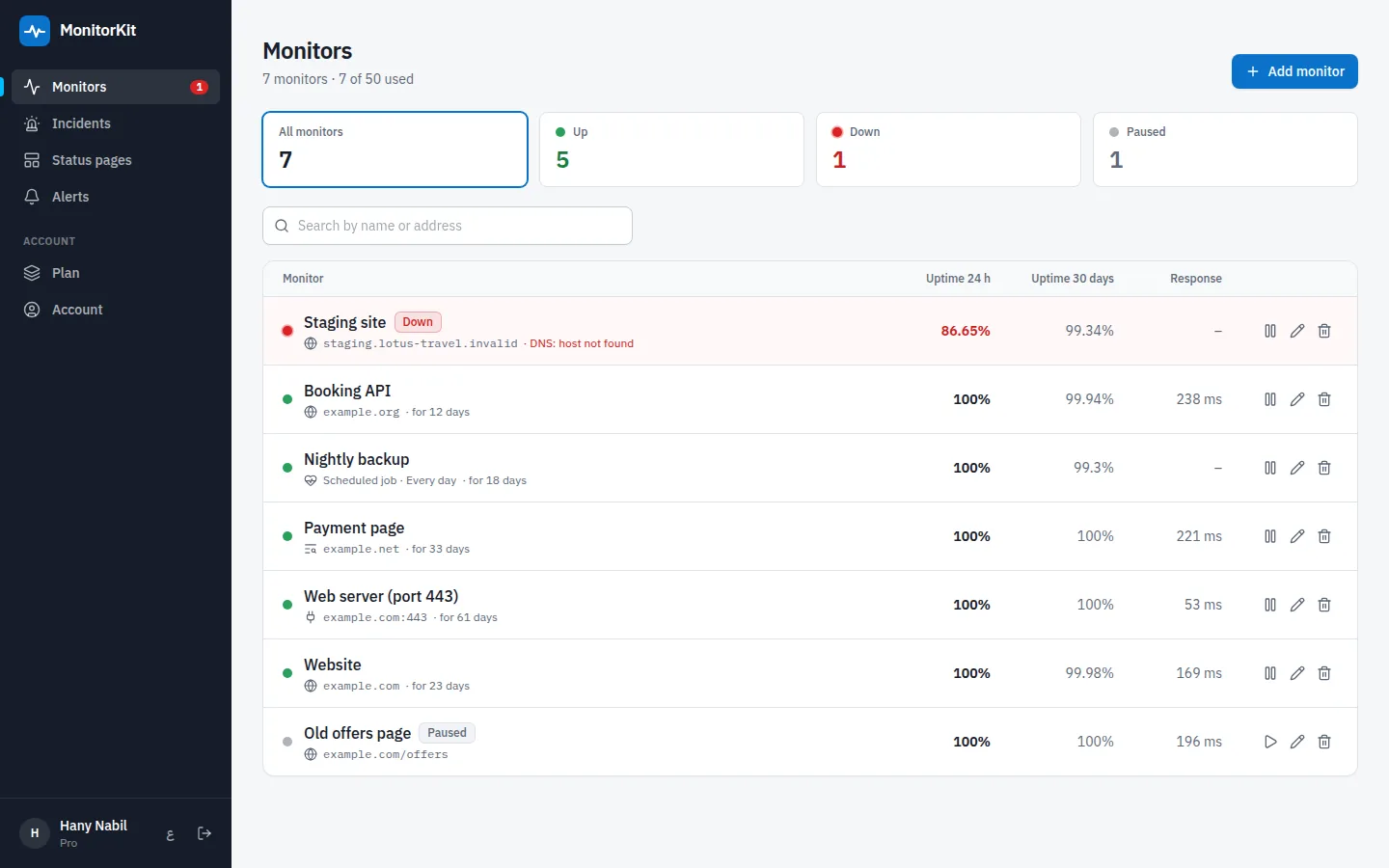
MonitorKit is a self-hosted uptime monitor with status pages. It checks websites, APIs, servers and scheduled jobs every minute, tells you the moment something goes down, warns before SSL certificates and domains run out, and shows your customers a public status page.
Two ways to install
- A monitoring service for many users (SaaS): people sign up and watch their own sites on plans you set. Run it as your own paid service.
- Monitoring for one business: your own sites and status page, with no sign-up page, plans or landing page, and nothing limited. Private network addresses can be watched too.
You choose in the setup wizard and can switch later with one setting.
Checks
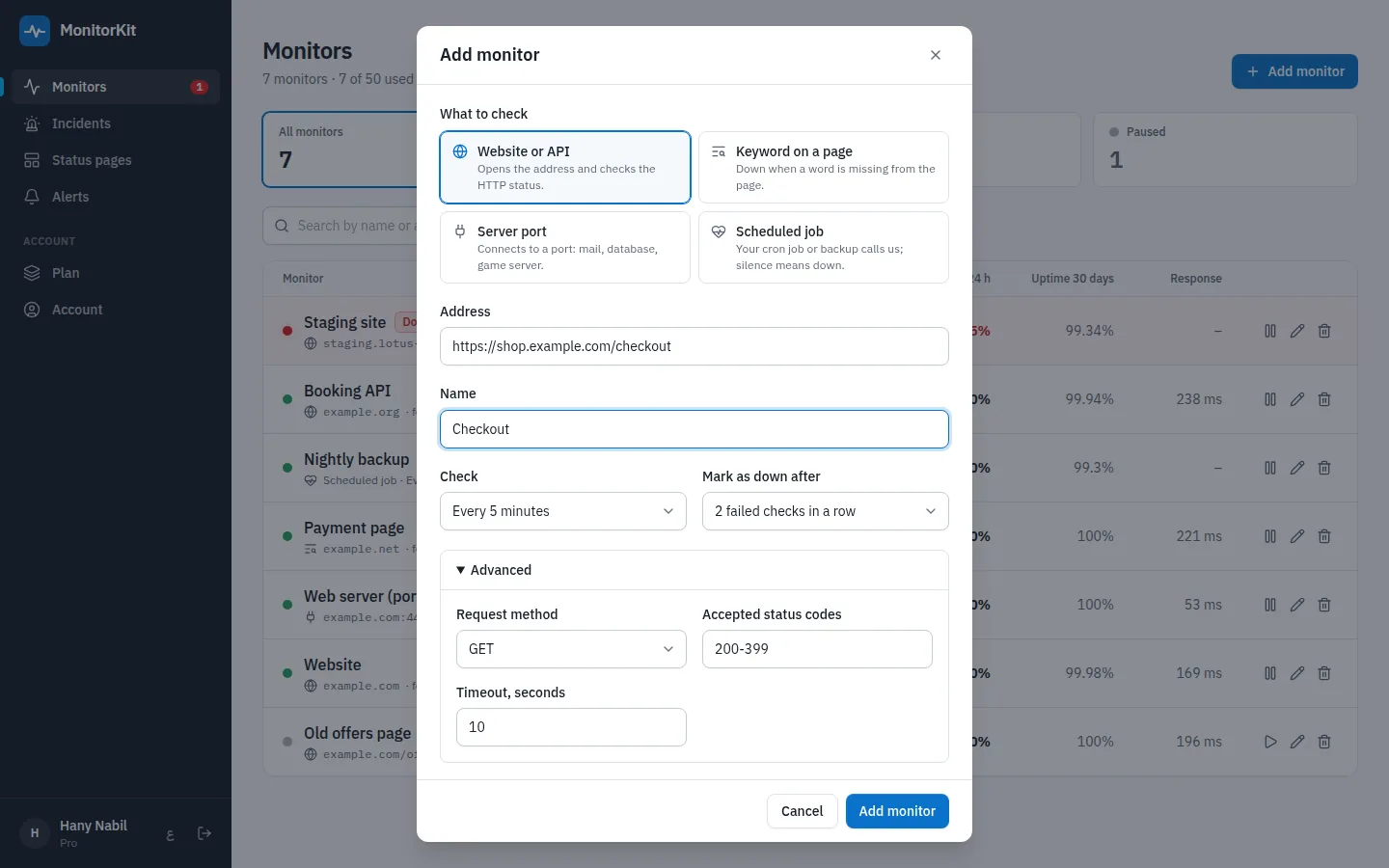
- Website or API: HTTP status, method, accepted status codes, timeout; redirects followed
- Keyword on a page: down when a word is missing, or when a word such as "Error" appears
- Server port: mail, database, SSH or any TCP service
- Heartbeats for cron jobs and backups: the job calls its address; a missed call means down
- Every minute or as often as the plan allows; down only after failures in a row
Alerts
- Email, Telegram, Slack, Discord and webhook (JSON)
- When a monitor goes down, and when it comes back with how long it was down
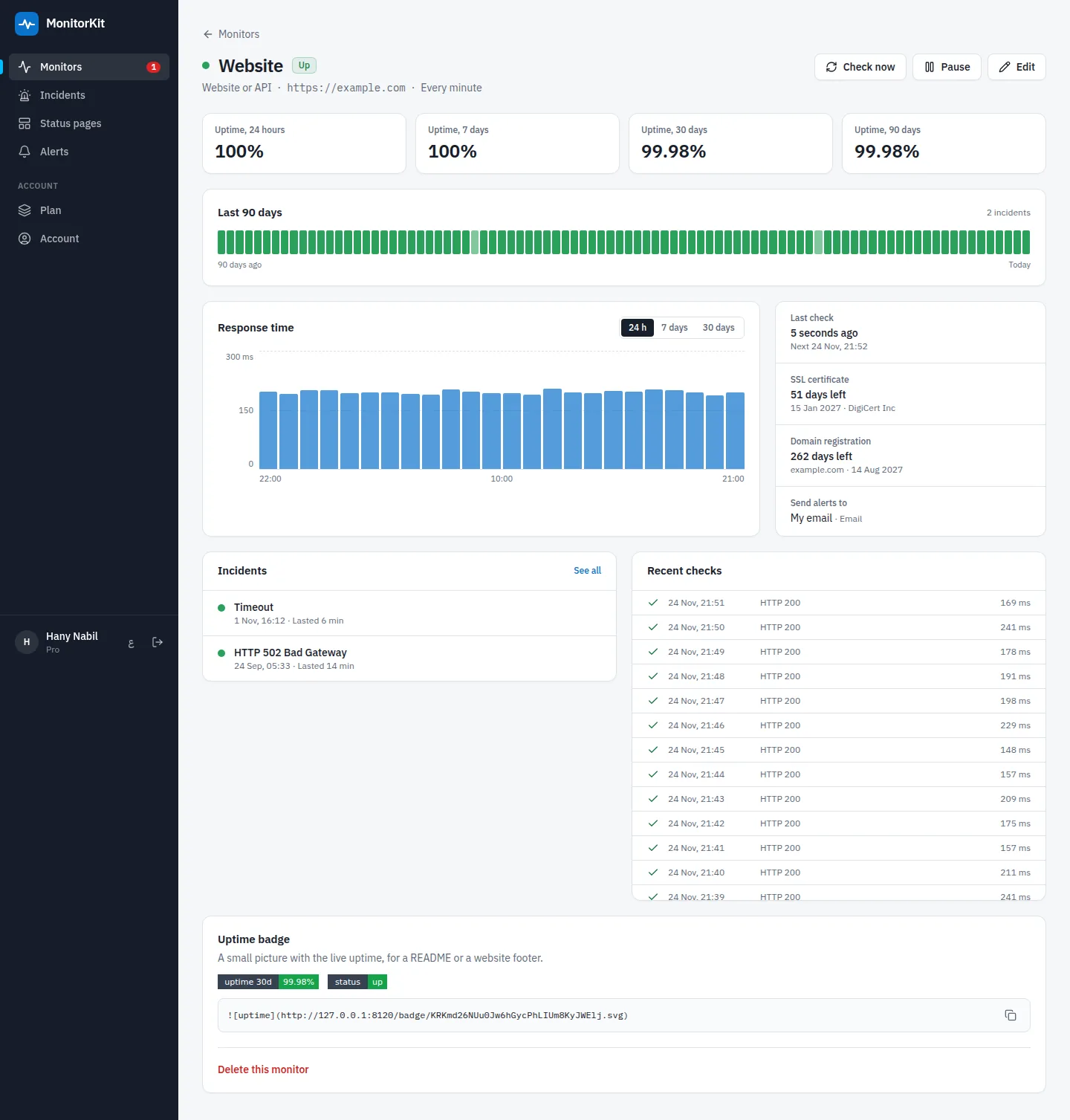
- SSL certificates: 14, 7 and 1 days before they end
- Domains: 30, 7 and 1 days before the registration ends
- A test button and the last error for every channel
Reports
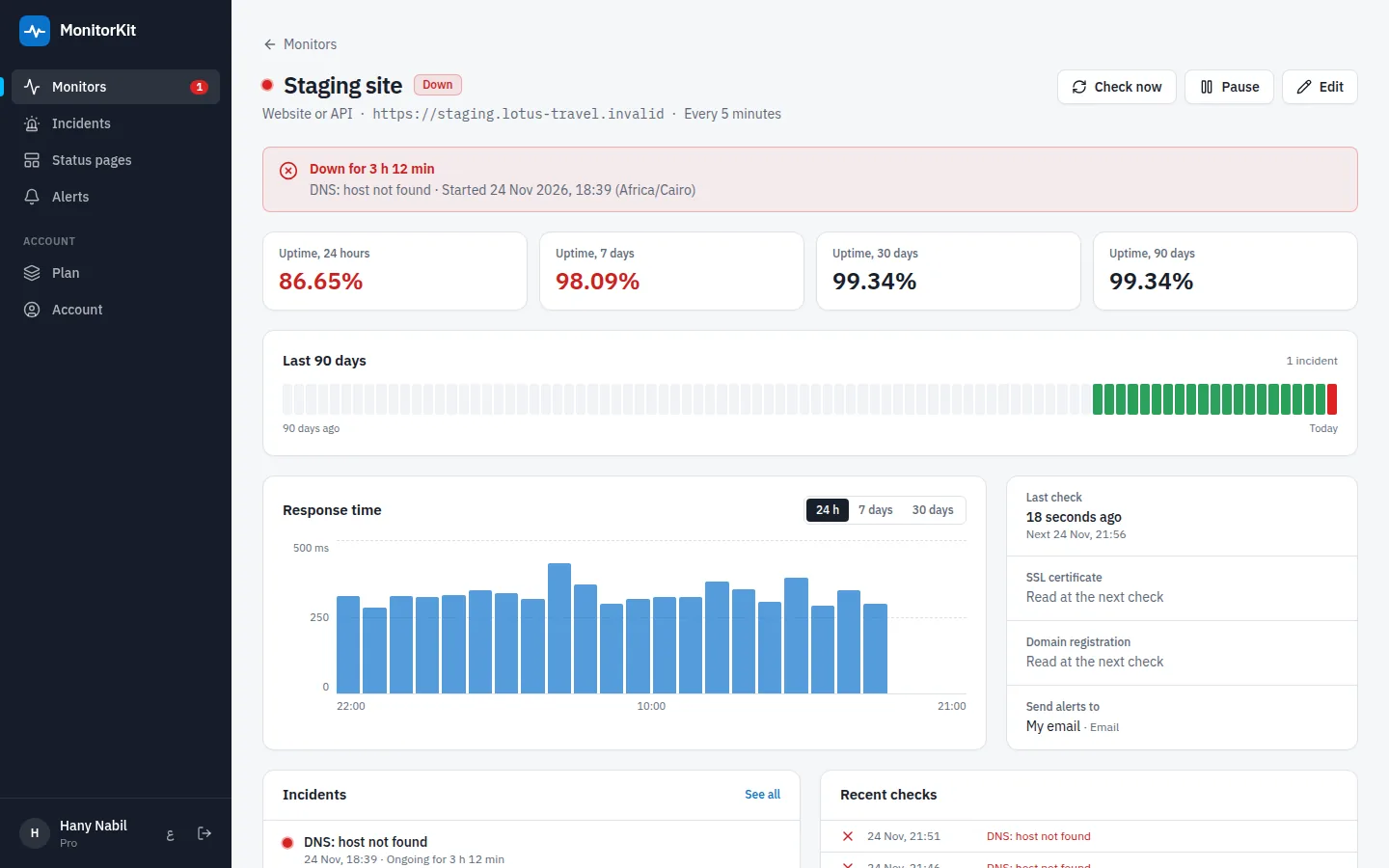
- Uptime for 24 hours, 7, 30 and 90 days, measured in time, not by counting checks
- 90 daily bars, response time charts, recent checks
- Incidents with cause and duration, and public notes for status pages
- Uptime badges (SVG) for READMEs and websites
Status pages
- Overall state, each service with 90 days of uptime, and recent incidents with your notes
- Your logo and colour, public names for services, English or Arabic
- At /status/name, or on the customer's own domain
For you, the platform owner (platform mode)
- Plans you create and edit: monitors, shortest interval, days of reports, status pages, domain warnings, own domains, platform name on pages
- A payment link per plan (for example a Stripe or PayPal link); you set the user's plan and end date after payment
- Admin panel with users, sign in as a user, and an installation check that shows whether checks are running
- Landing page with your plans, in English and Arabic; your own product name
Technical
- Laravel 13, Livewire 4, Tailwind CSS 4, PHP 8.3 or newer; MySQL/MariaDB or SQLite
- Checks run in parallel batches from one cron entry; private network addresses refused on shared installations
- 55 automated tests, including outage confirmation, uptime maths, heartbeats, alerts, status pages, account separation and both install modes
- 3-step web installer; Composer and Node.js are not needed on the server
Not included
A payment gateway (plans use a payment link and are activated by the admin), checks from several locations, SMS or phone calls (the webhook channel can pass alerts to such a service), and ping (ICMP) checks; use a port check instead.
What you get
The application with all PHP libraries and built assets included, a buyer guide with screenshots (installation on shared hosting and VPS, both install modes, cron, alert channels, status pages on own domains, plans and payments, admin and user guides, how uptime is worked out, customising, troubleshooting), and a licence for one installation.
Try the demo
The demo runs as a platform. Click Live demo and sign in with [email protected] / password (a travel company with seven monitors and 90 days of history). Platform admin: [email protected] / password. Public status pages: /status/lotus-travel and /status/lotus-travel-ar. The demo resets every night.
Changelog
Updates are free for buyers. Newest version first.
1.1.0 · November 2026
- Improved: status pages and badges keep 90 days of outage history on every plan.
- Improved: pausing a monitor ends an open outage.
- Improved: faster check rounds when some servers do not answer (new
CHECK_RUN_SECONDSsetting). - Improved: separate limits per action, upright logo photos and formal Arabic; new
TRUSTED_PROXIESsetting. - Updating from 1.0.0: upload the files over the old ones (keep your
.env), then runphp artisan config:clear. No database changes; the cron entry stays the same.
1.0.0 · November 2026
- First release.