Ticketline - Event Tickets & QR Door Check-in: Stripe, PayPal, SaaS or Single
$49 · one-time payment · full source code · Live demo · Buy on Codester
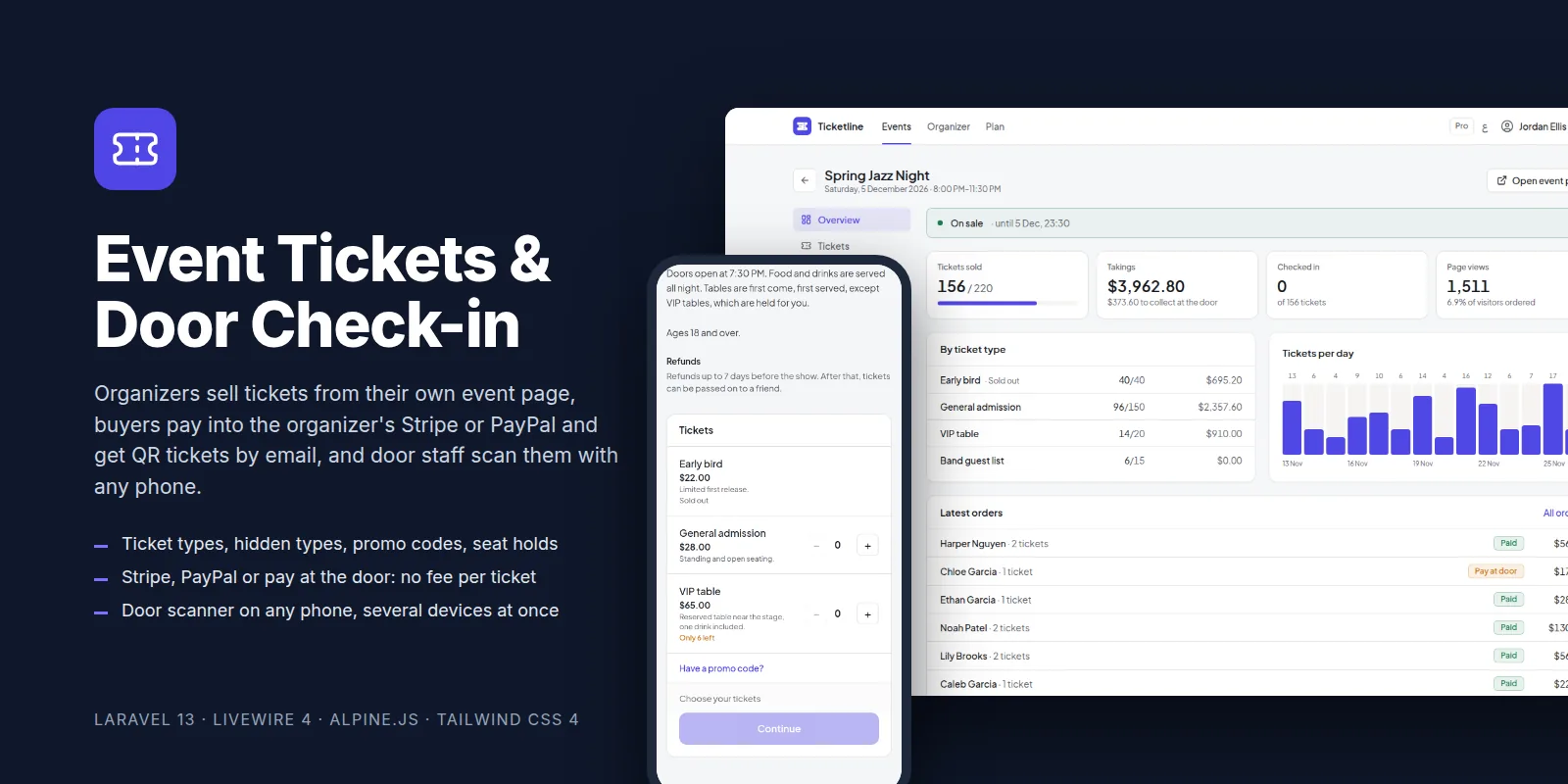
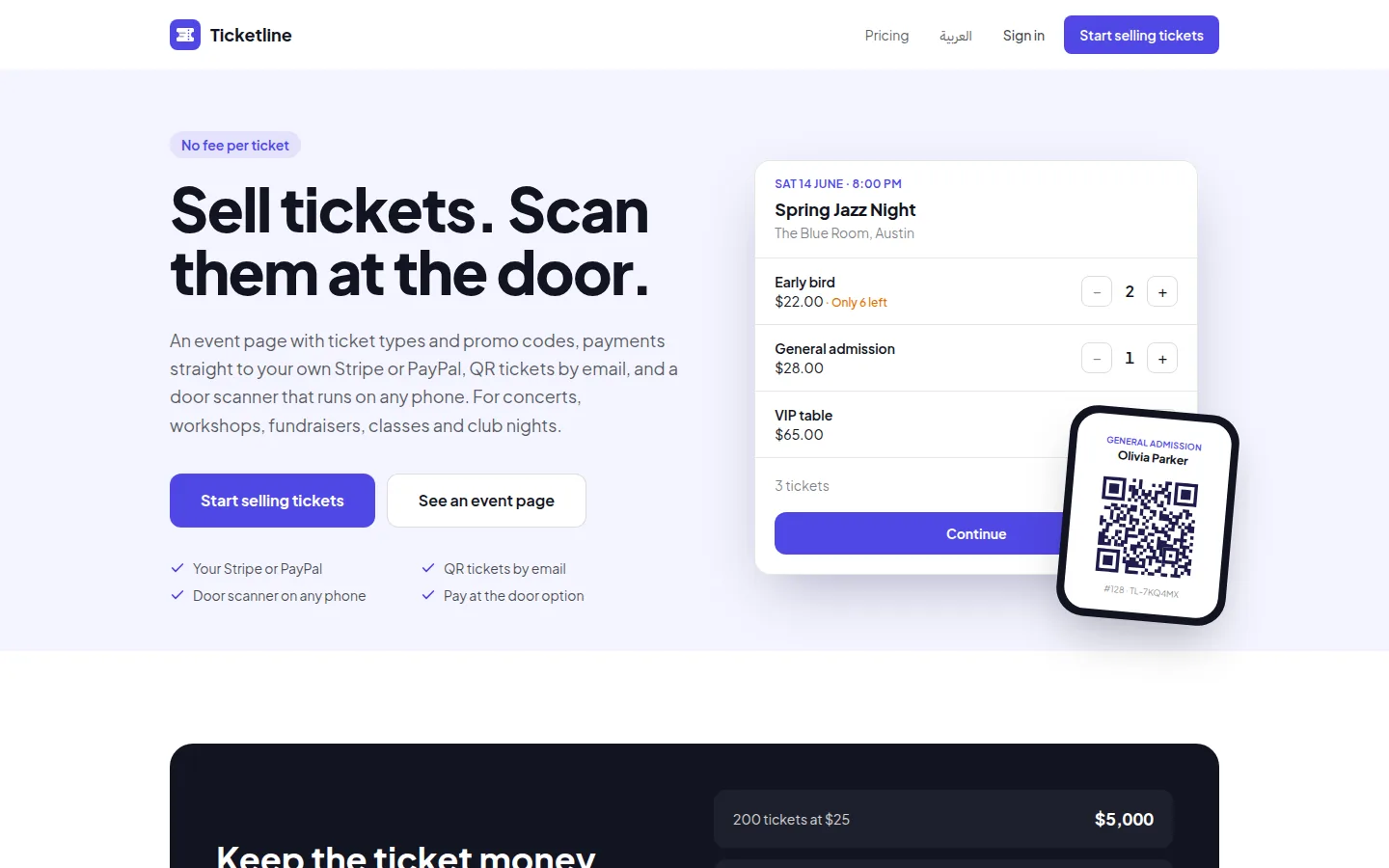
Ticketline is a self-hosted event ticketing app for concerts, workshops, classes, fundraisers, club nights and conferences. Organizers publish an event page with ticket types, buyers pay into the organizer's own Stripe or PayPal account (or reserve and pay at the door), tickets arrive by email with a QR code, and door staff scan them with any phone. There is no fee per ticket.
Two ways to use it
- A platform for many users: organizers, clubs and venues sign up and sell tickets at yourdomain.com/their-name on plans you create, so you can run it as your own ticketing service.
- One organizer: a venue, club, school or promoter sells their own events, and the domain opens their events page. No sign-up page, plans or limits. For your own business, or for a client you install it for.
You choose in the setup wizard and can change it later.
For buyers
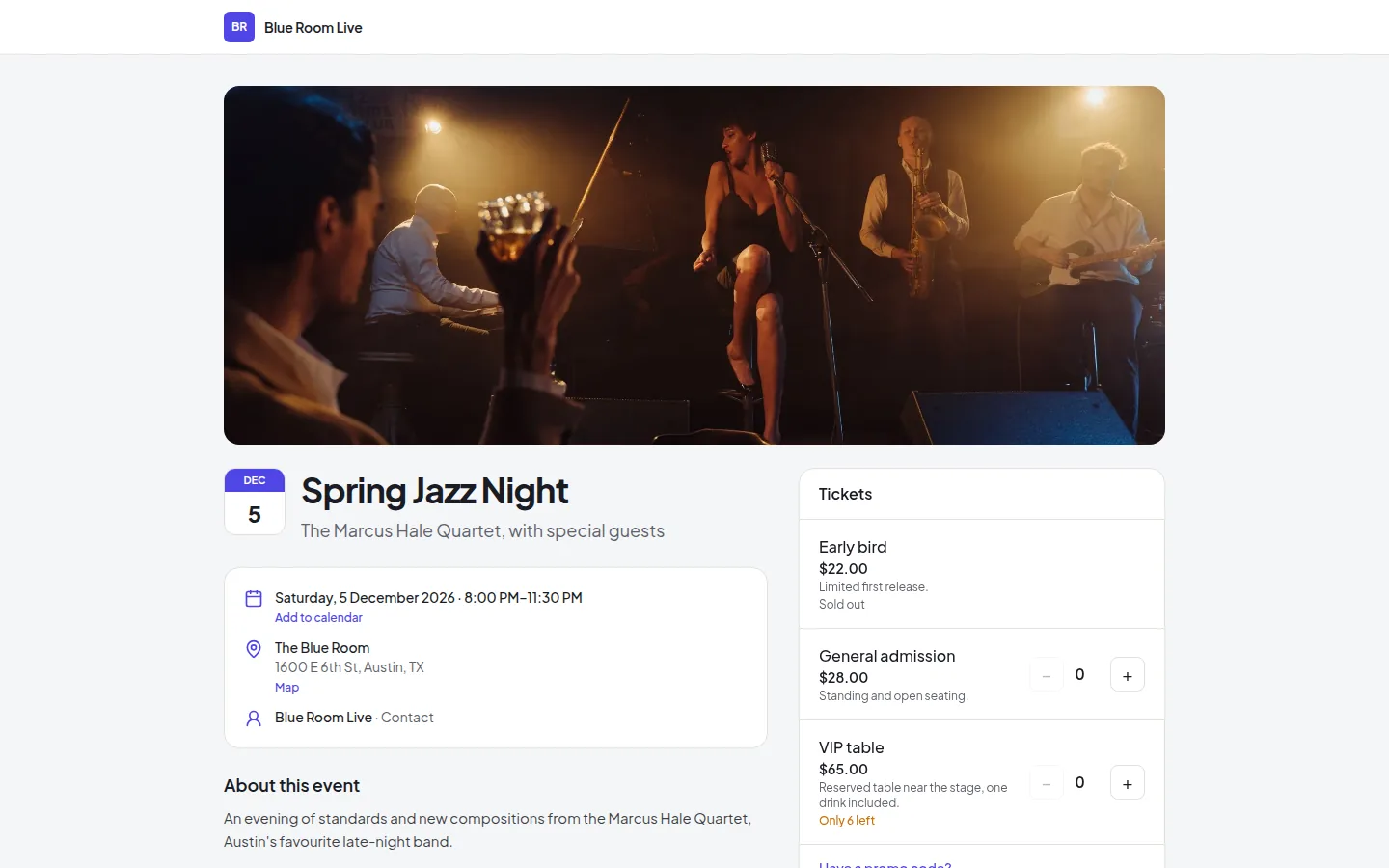
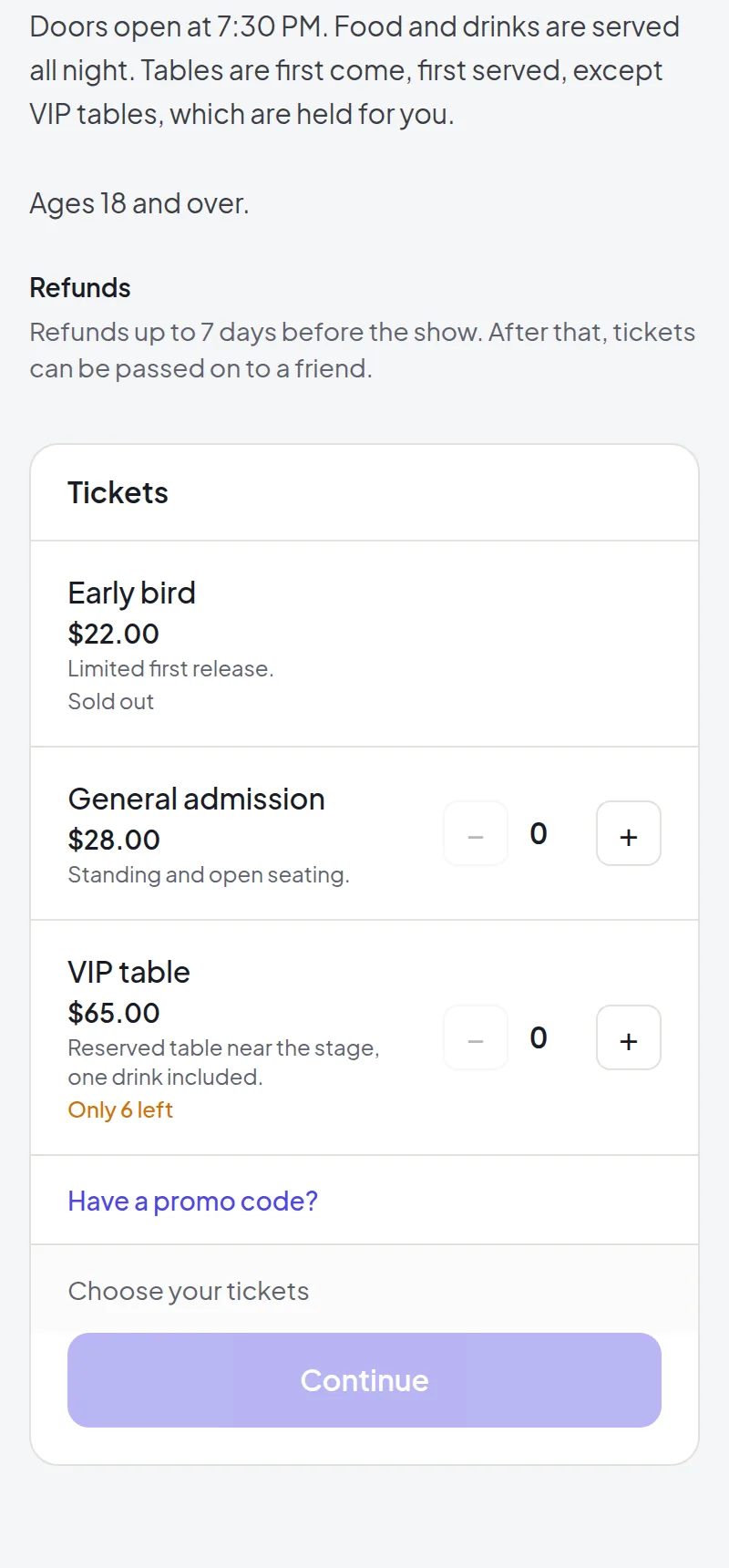
- An event page with cover image, date and time, venue with map link (or an online link for ticket holders), description, refund policy and add to calendar
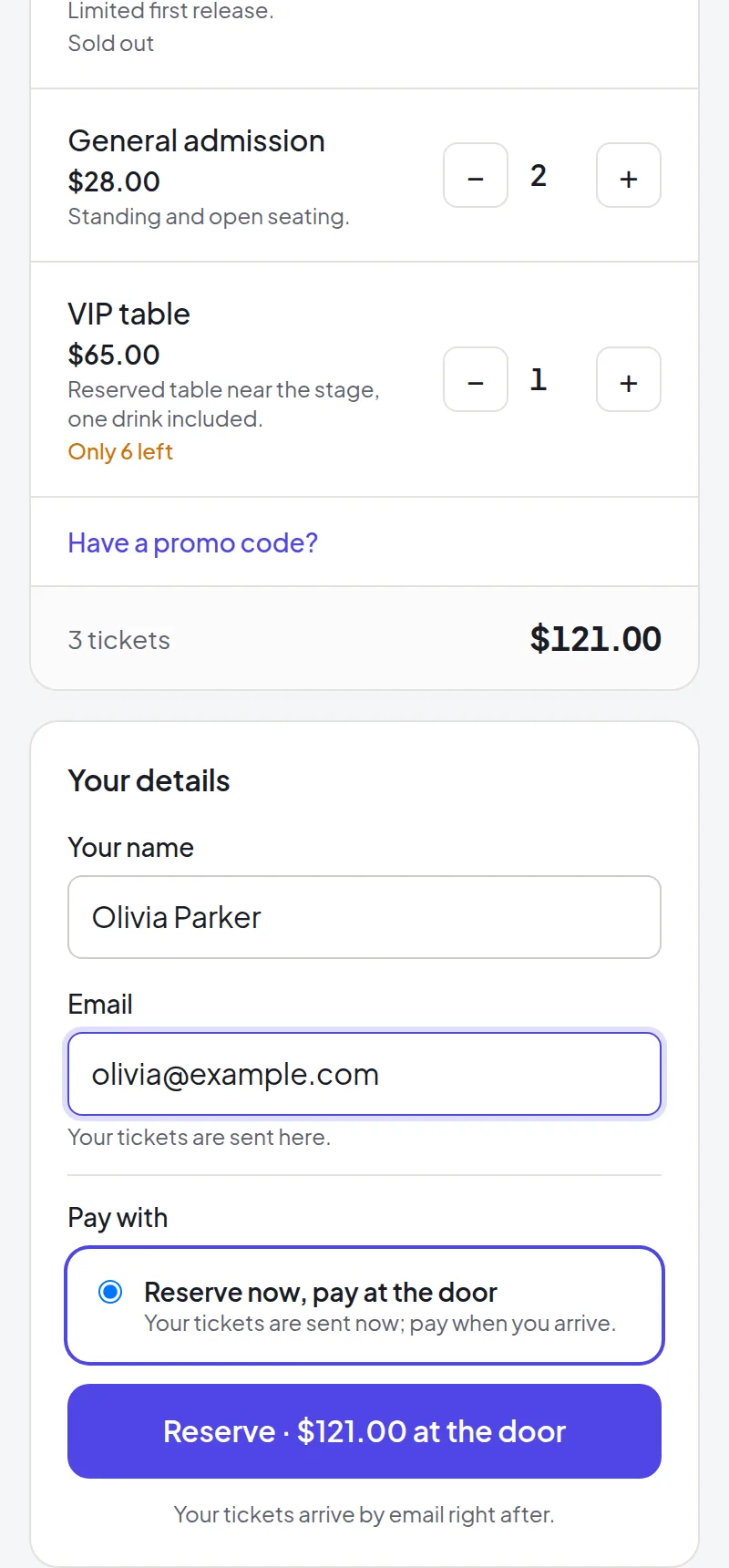
- Choose how many of each ticket type, type a promo code, and pay by card, Apple Pay, Google Pay or PayPal, or reserve and pay at the door
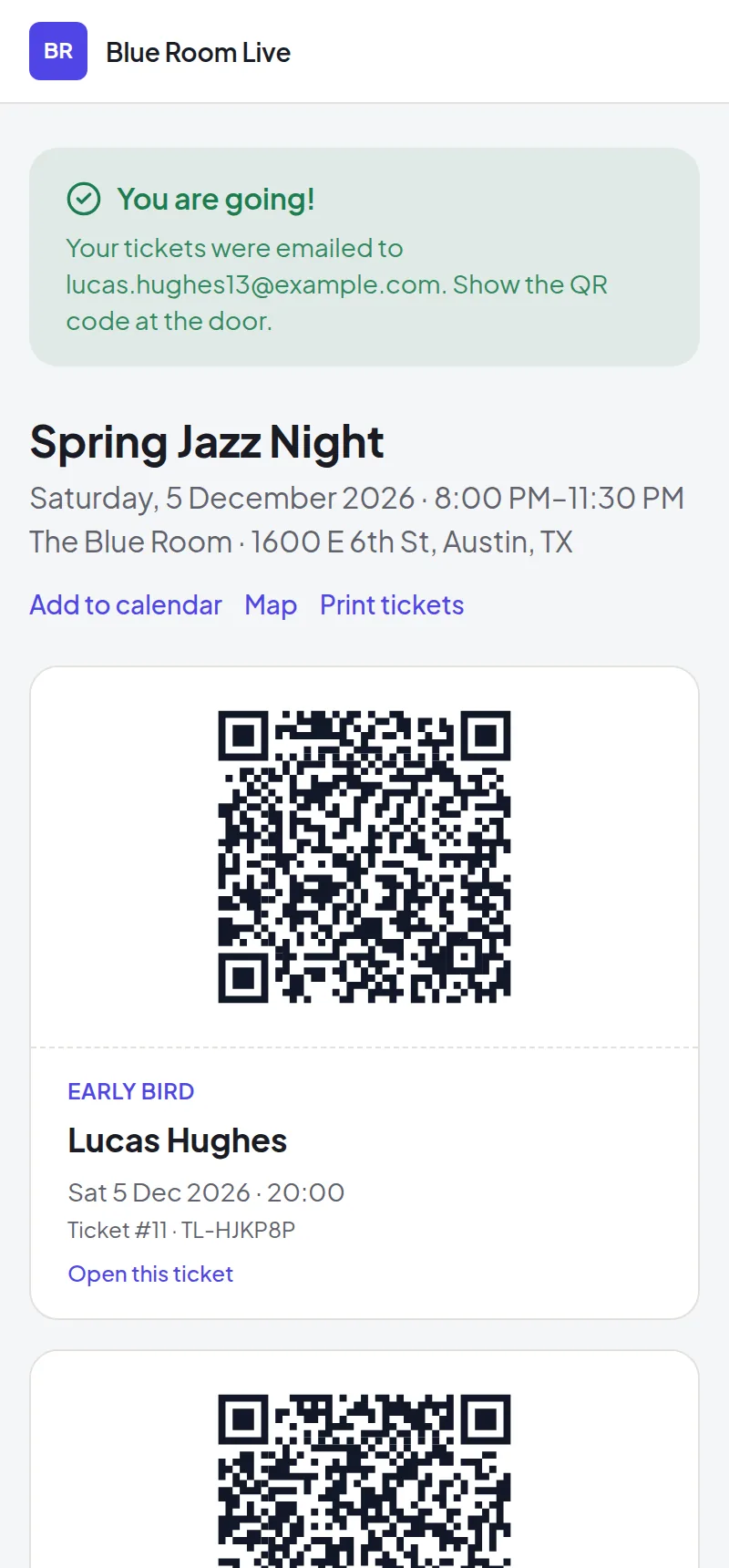
- Tickets by email and on an order page that prints cleanly: one QR code per person, with each person's name if the organizer asks for it
- A reminder with the tickets the day before the event
- Event pages, tickets and emails in English, Spanish, French or Arabic (right to left)
Door check-in
- A secret link per event, opened on any phone or tablet: no account and no app for door staff
- Scan tickets with the camera, or search by name, email, order reference or ticket number
- Green: in. Red: already used (with the time), cancelled, unpaid or another event. Orange: a pay-at-the-door order; take the money and press Paid, let in
- Several devices at once; a ticket gets in only once; undo for mistakes; a new link stops the old one everywhere
For organizers
- Ticket types with price, quantity, sales dates, least and most per order, and hidden types that only a promo code opens (guest lists, sponsors); an overall capacity on top
- Payments go straight to the organizer's own Stripe or PayPal account; card orders keep their seats for 30 minutes while paying, and the last seat always goes to one buyer only
- Promo codes: a percentage or an amount off, limited uses, valid dates, limited to some ticket types
- Overview: tickets sold against capacity, takings, money to collect at the door, check-ins, page views and conversion, sales per day and per ticket type
- Orders: filters and search, edit the names on tickets, email tickets again, mark paid, cancel, mark refunded; add orders by hand for comps and guest lists
- Attendee list with check-in times; CSV exports of orders and attendees
- Cancel an event: every ticket stops working and every buyer gets the organizer's message by email
- Organizer page listing upcoming events, with logo, colour and contact details
For you, the platform owner
- Plans you create and edit in the admin panel: events on sale at a time, tickets per event, paid tickets, promo codes, removal of your platform name
- Starting plans: Free (free events only), Pro and Business
- A payment link per plan (for example a Stripe or PayPal link); you switch the plan on once the user has paid
- Ticket money never passes through you: each organizer connects their own account
- Admin panel with users, search, sign in as a user, plan and end date per user, and an installation check
- Landing page with your plans, in English and Arabic
Technical
- Laravel 13, Livewire 4, Alpine.js, Tailwind CSS 4, PHP 8.3 or newer; MySQL/MariaDB or SQLite
- Stripe Checkout and PayPal Orders v2 on each organizer's keys, stored encrypted; Stripe webhook plus a check every five minutes for buyers who close the tab
- 67 automated tests run on SQLite and MySQL, covering bookings, seat holds, payments, promo codes and the door
- Dashboard in English and Arabic; public pages in English, Spanish, French and Arabic
- 3-step web installer; Composer and Node.js are not needed on the server
Not included
Seat maps (tickets are by type: general admission, VIP, tables), a native mobile app, refunds sent from inside the app (refund in Stripe or PayPal, then mark the order refunded), and payments for plans inside the app (plans use payment links). The photos in the demo and screenshots are not included.
What you get
The application with all PHP libraries and built assets included, a buyer guide with screenshots (installation on shared hosting and VPS, cron and email, plans, the organizer guide, door check-in, customising, troubleshooting), and a licence for one installation.
Try the demo
Click Live demo to open an event page and choose tickets (the demo organizer has no payment keys, so checkout offers pay at the door). The door page is at /door/demojazznightdoor2026: press search and type parker. Sign in as an organizer with [email protected] / password: a jazz night with orders and promo codes, a workshop with names on tickets, a past film night with check-ins, a draft, and an Arabic organizer. The platform admin is [email protected] / password. The demo resets every night; emails are not sent from the demo.
Changelog
Updates are free for buyers. Newest version first.
1.0.0 · November 2026
- New: first release: event pages with ticket types, Stripe and PayPal on the organizer's own accounts, pay at the door, QR tickets by email, door check-in on any phone, promo codes, orders and attendees, CSV exports, cancelling events, reminders, plans, platform or single-organizer installation, English, Spanish, French and Arabic pages.